
How to Fix DSTV Error Code E48-32: Ultimate Guide to Restoring Your Signal
Are you staring at your TV screen, frustrated by the dreaded DSTV error code E48-32? You’re not alone. This common issue affects countless DSTV subscribers across Africa, interrupting your favorite shows and sports events. But don’t worry – in this comprehensive guide, we’ll break down what the E48-32 error means, its causes, and step-by-step fixes to get you back to binge-watching in no time. Whether it’s due to bad weather or a simple connection glitch, we’ve got you covered with proven solutions.
Related post: Ultimate Guide to Fixing DStv Error E16-4: Causes, Solutions, and Prevention
What Does DSTV Error Code E48-32 Mean?
The E48-32 error code on DSTV indicates that your decoder is unable to detect a signal from the satellite. Essentially, it’s a “no signal” message, which can stem from environmental factors or hardware problems. According to official DSTV resources, this error often appears with the notification: “There is no signal. This may be due to bad weather or a faulty connection in the installation.” It’s one of the most reported errors, especially after storms or during routine maintenance.
If you’re seeing this on your Explora, HD decoder, or other models, it means the communication between your satellite dish and decoder has been disrupted. Don’t panic – most cases are fixable at home without calling a technician.
Common Causes of the E48-32 Error
Understanding the root cause is key to a quick fix. Here are the most frequent culprits based on user reports and expert insights:
- Bad Weather or Rain Fade: Heavy rain, storms, or strong winds can temporarily block the satellite signal. This is especially common in regions with frequent thunderstorms.
- Dish Misalignment: If your satellite dish has shifted due to wind, animals, or improper installation, it won’t point correctly toward the Eutelsat W7 satellite used by DSTV.
- Faulty Cables or Connections: Damaged coaxial cables, loose connectors, or corrosion can interrupt the signal flow from the dish to the decoder.
- LNB Issues: The Low Noise Block (LNB) on your dish amplifies the satellite signal. If it’s faulty, old, or water-damaged, you’ll see E48-32.
- Power Surges or Decoder Glitches: Storms can cause surges that affect hardware, or the decoder might just need a reboot.
- Obstructions: Trees, buildings, or overgrown plants blocking the line of sight to the satellite.
- Multi-Setup Problems: In ExtraView or multi-decoder installations, issues with one unit can trigger the error.
Other less common causes include interference from nearby electronics like WiFi routers or fluorescent lights.
Step-by-Step Guide to Fixing DSTV E48-32 Error
Follow these DIY steps in order. Start with the simplest and work your way up. Safety first – if you’re dealing with heights or electrical components, consider professional help.
- Reboot Your Decoder: Unplug the decoder from the power source for 30 seconds, then plug it back in. This resets any temporary glitches. Wait for it to boot up and check if the error clears.
- Check for Weather Improvements: If it’s storming, wait it out. Once the weather clears, the signal should return automatically.
- Inspect and Secure Connections: Trace the coaxial cable from the dish to the decoder. Tighten all F-connectors and ensure there are no kinks, cuts, or exposed wires. Replace damaged cables if needed.
- Clear Obstructions: Stand behind your dish and look toward the sky. Trim any trees, bushes, or debris blocking the view. Even small overgrowth can cause signal loss.
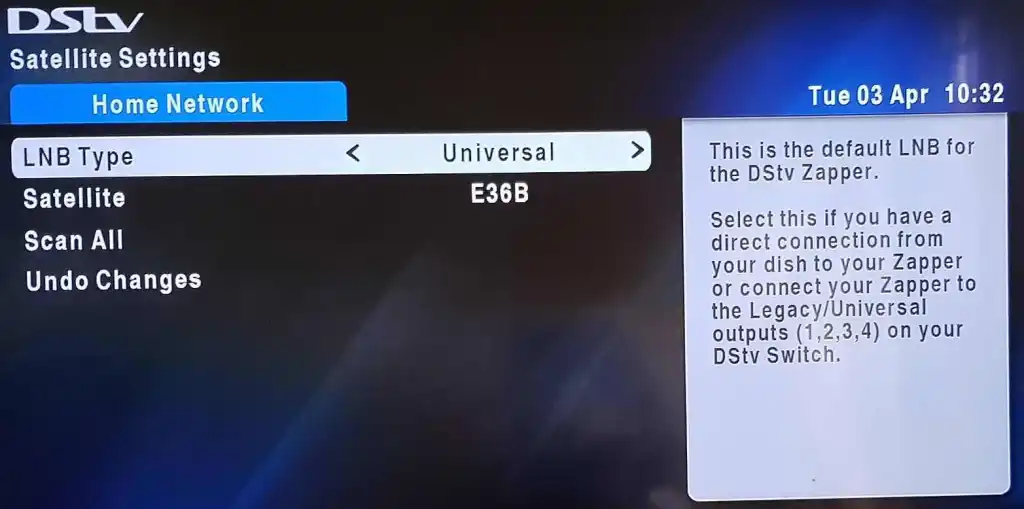
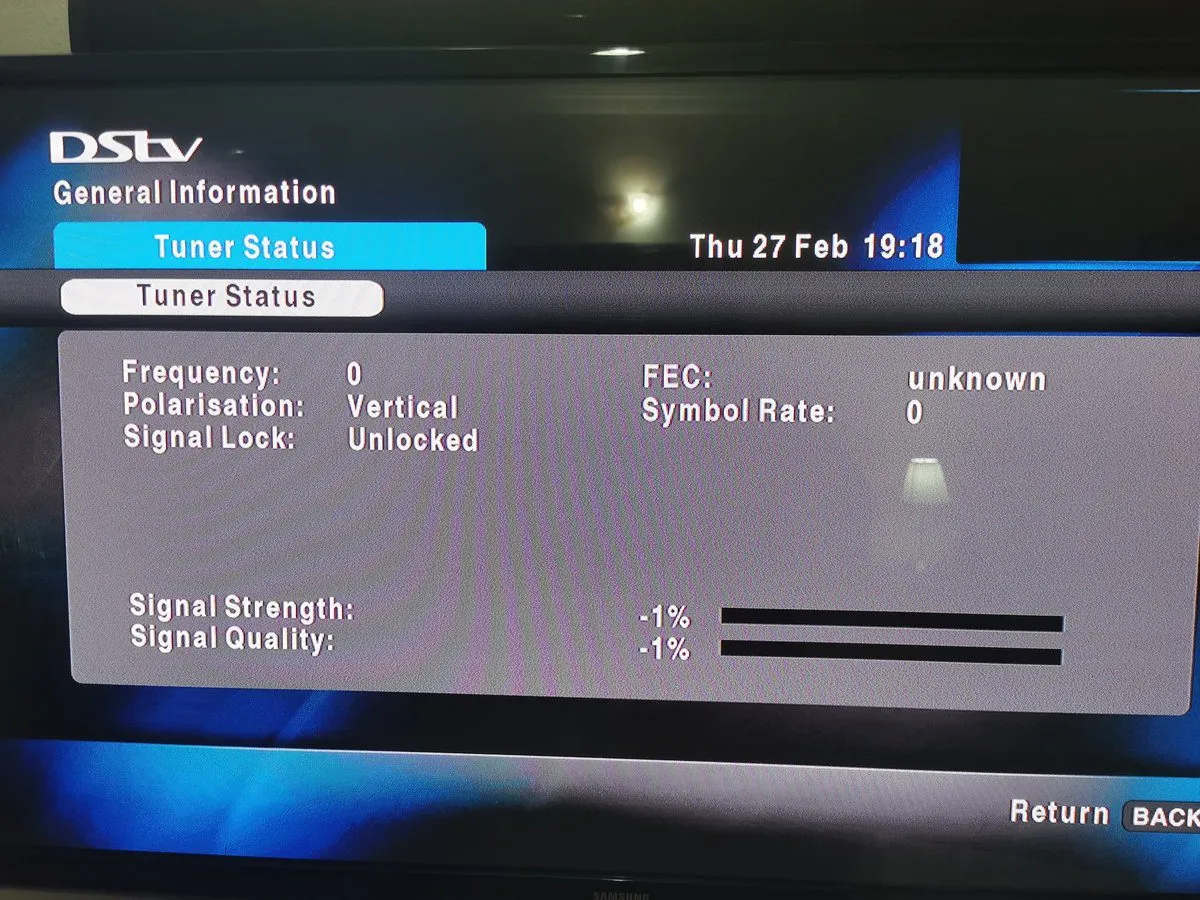
- Realign the Satellite Dish: Gently adjust the dish’s azimuth (left/right) and elevation (up/down) while monitoring the signal strength on your decoder’s menu (press HELP > Signal Strength). Aim for at least 70-80% strength. Use a satellite finder app if available, but for precision, a professional meter is best.
- Test or Replace the LNB: If the LNB looks damaged (e.g., cracked or water-logged), replace it with a compatible model like the SLNB. This is a common fix after storms.
- Use DSTV Self-Service: WhatsApp DSTV support or use their app to run diagnostics. They can remotely reset your decoder or guide you further.
If these steps don’t work, it could be a decoder fault or broader installation issue. Contact DSTV support or a certified installer.
Related search: How to Fix DStv Error E30-4: Complete Guide to Resolve Subscription Verification Issues
When to Call a Professional Installer
If DIY fixes fail, or if you’re uncomfortable with heights/cables, hire a pro. Signs include persistent errors on specific channels, intermittent signals, or if you’ve recently moved your setup. In South Africa, services like Optimal TV or local technicians can realign your dish with proper tools.
Preventing Future E48-32 Errors
- Install a surge protector for your decoder to guard against power spikes.
- Schedule annual maintenance for your dish and LNB.
- Use high-quality, weatherproof cables.
- Opt for a larger dish (e.g., 90cm) in rainy areas to combat rain fade.
- Keep your decoder’s software updated via the settings menu.
Frequently Asked Questions (FAQs)
Is E48-32 the same as E48?
E48 is a general “searching for signal” error, while E48-32 specifies the no-signal issue, often weather-related.
Can E48-32 damage my decoder?
No, it’s usually a signal problem, not harmful to the hardware.
How long does bad weather cause E48-32?
It typically clears within minutes to hours after the storm passes.
What if E48-32 appears only on some channels?
This points to dish misalignment or LNB skew issues. Realign or check settings.
Does DSTV charge for fixing E48-32?
If it’s a user-fixable issue, no. For technician visits, fees may apply depending on your package.
Conclusion
Fixing the DSTV E48-32 error doesn’t have to be a headache. With this guide, you can troubleshoot and resolve most issues yourself, saving time and money. If problems persist, reach out to DSTV support for personalized help.